AI BLEW MY MIND LAB
Learn how to apply AI in your work and life to advance your career, grow your business, and stay ahead.
Learn how to apply AI in your work and life to advance your career, grow your business, and stay ahead.
Explore prompts, automations, tools, and guides that turn AI into your unfair advantage
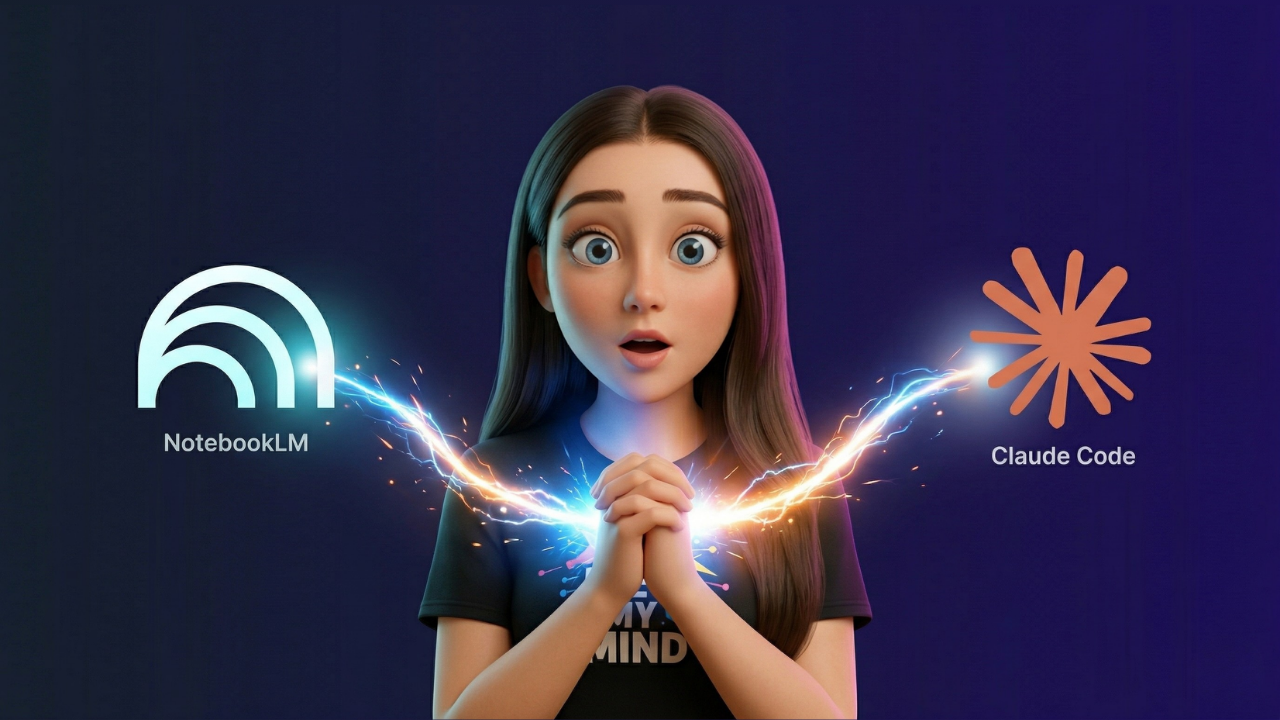
Connect NotebookLM to Claude Code and turn your research into deliverables, with 5 demos and 50 use cases you can copy.
A step-by-step guide to creating a reusable Claude brand skill that applies your colors, fonts, logo, spacing, and layout rules to PDFs, decks, docs, websites.

Step-by-step guide on how to create a Claude Code Routine, connect your tools, and automate recurring work without writing code.
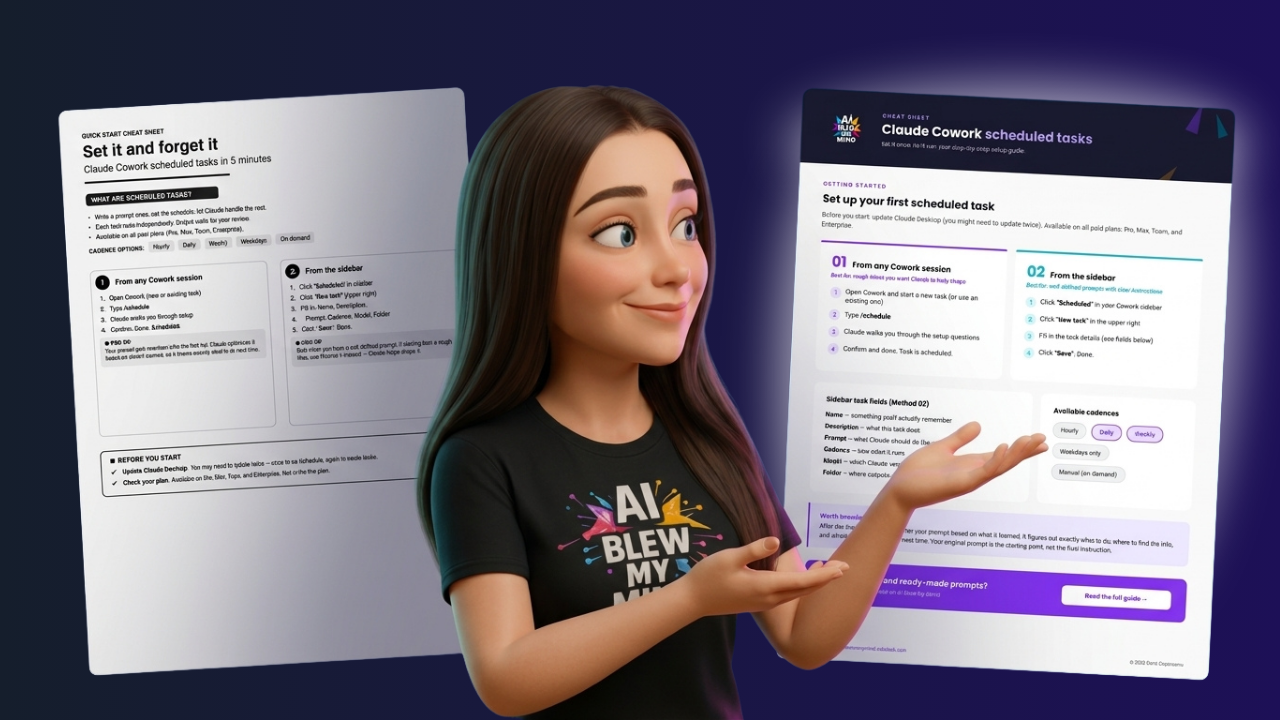
Learn how to set up tasks that run on their own, connect your tools, and build workflows that handle reporting, organization, and daily operations without you.
Your AI automations don't talk to each other. Here's how to connect AI workflows in Cowork with a 5-step framework and a demo stitching scheduled tasks together
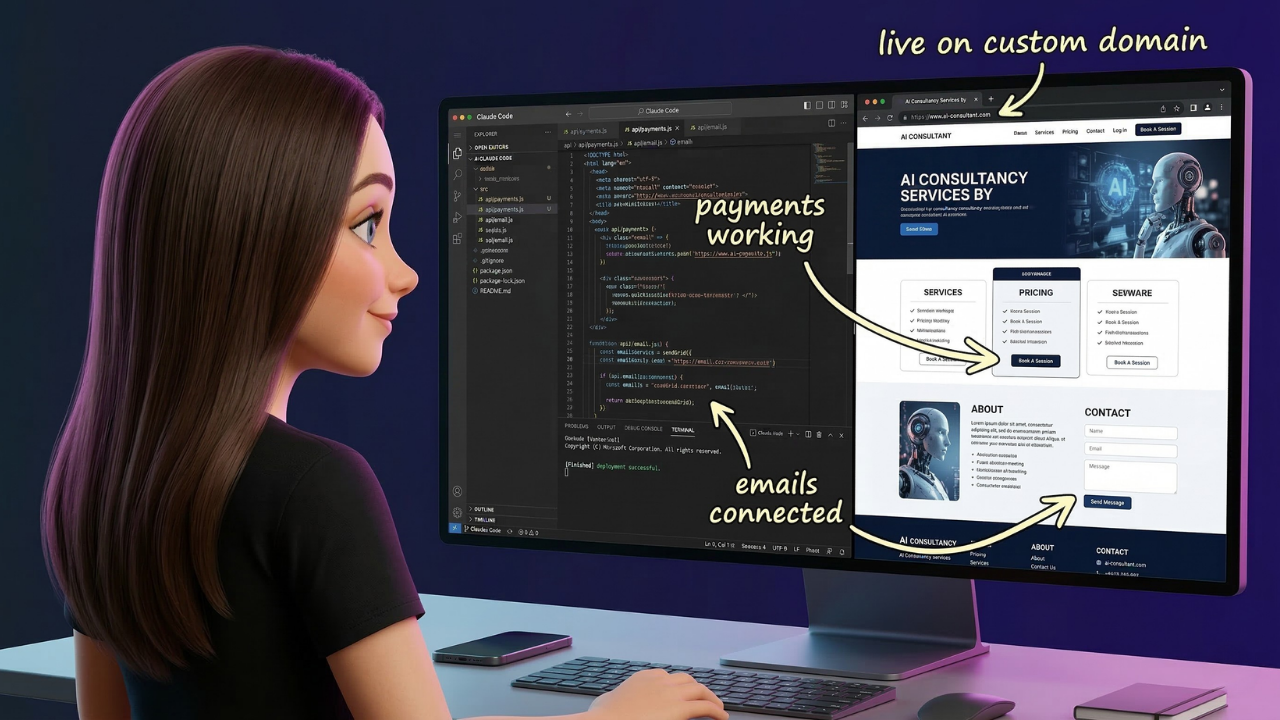
Step-by-step guide to building a complete website with Claude Code, including Stripe payments, contact form, SEO, Google Analytics, and privacy compliance.
A complete beginner guide to automations. What they are, what you can build, and how to use Gemini to create them.
Manage email, calendar, Notion, and more instantly — all from a single message.
This master prompt deconstructs your request, applies the right prompting framework, and outputs an optimized prompt ready to paste into Nano Banana Pro.
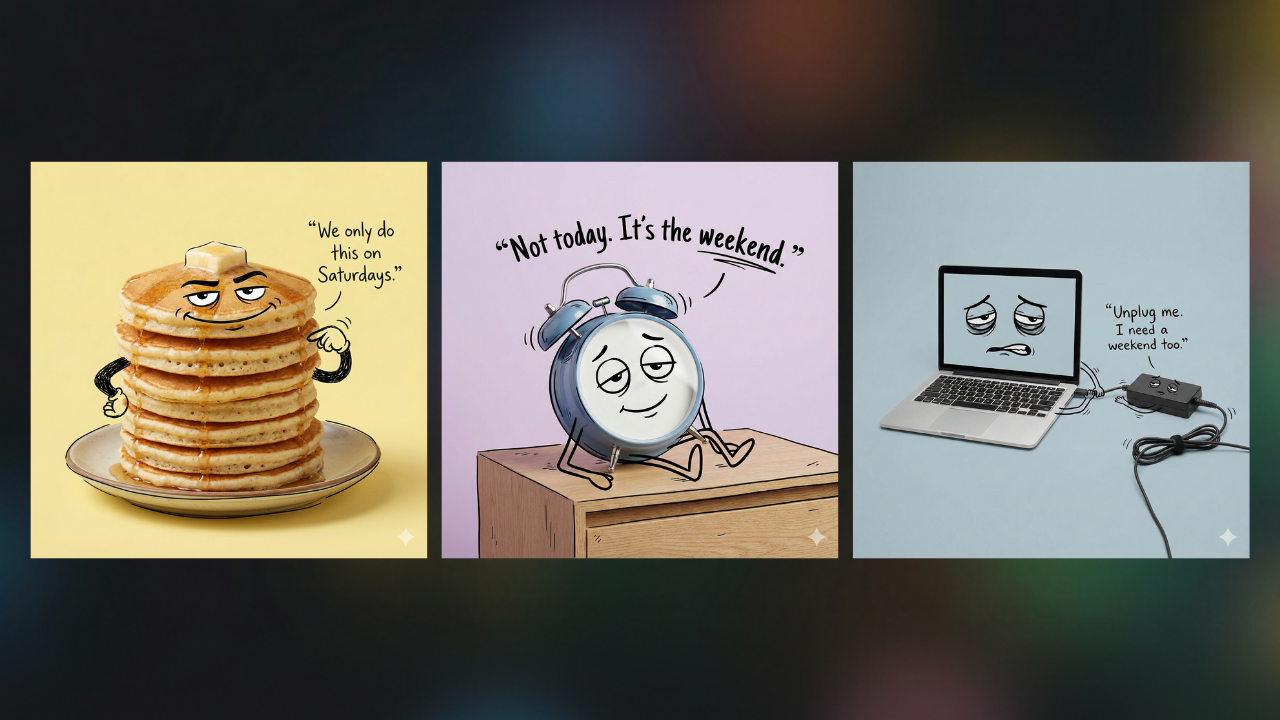
A reusable prompt that turns any everyday object into a playful cartoon character with expression, mood, and personality.
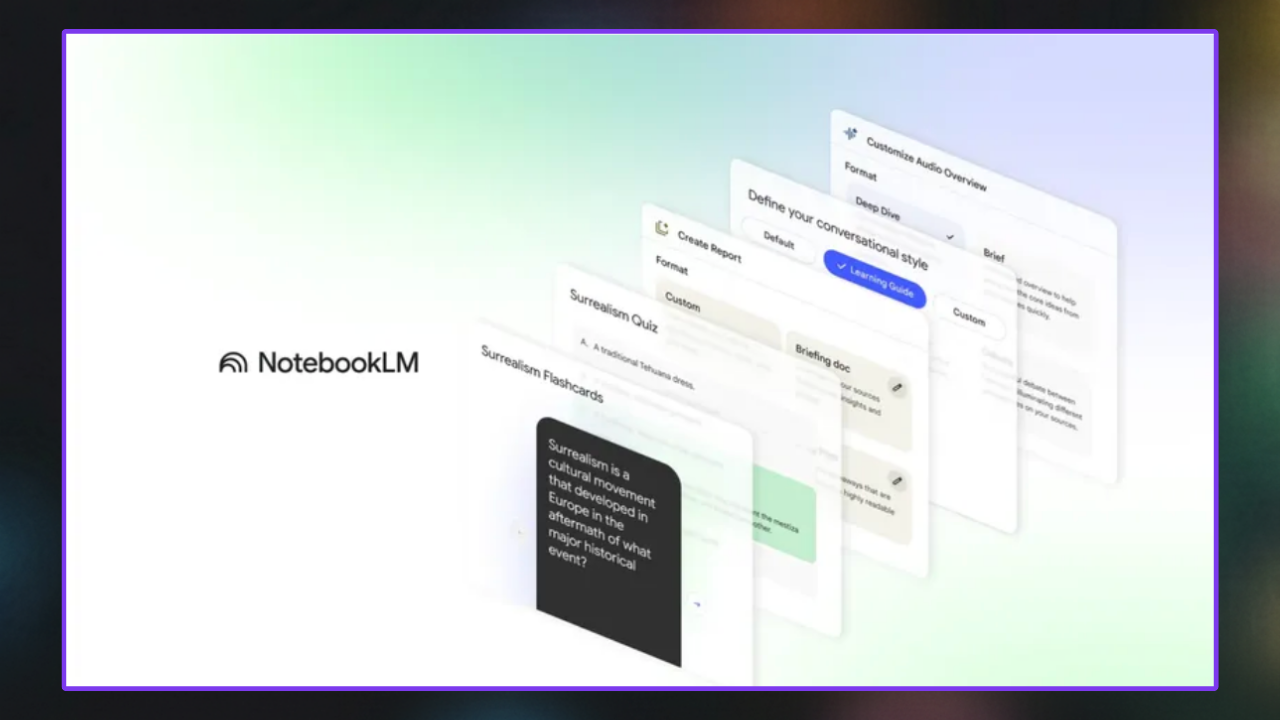
Learn how to use NotebookLM to organize, explore, and transform your research into multiple formats.
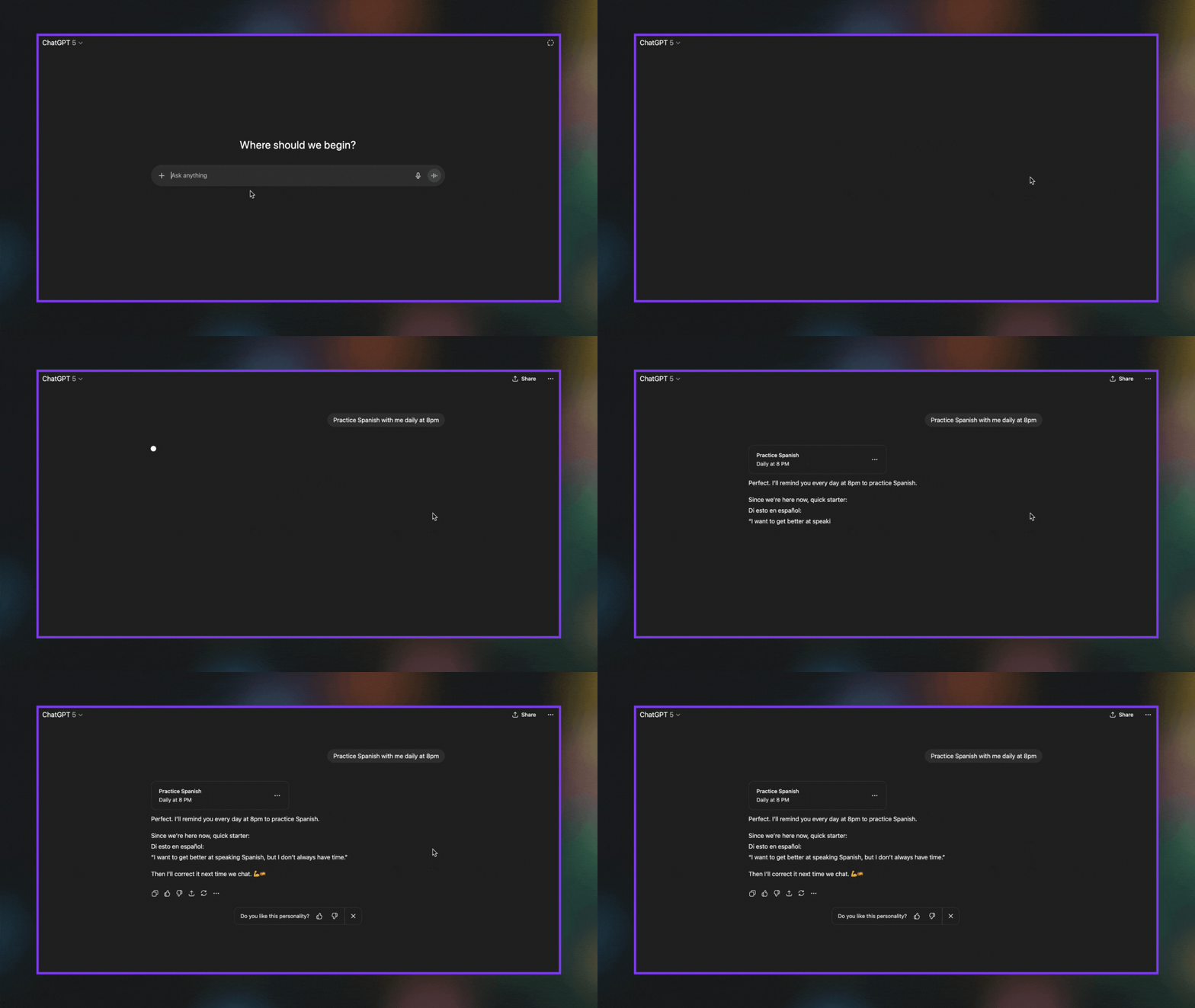
This guide shows you how to enable ChatGPT to run automated prompts and proactively reach out to you.
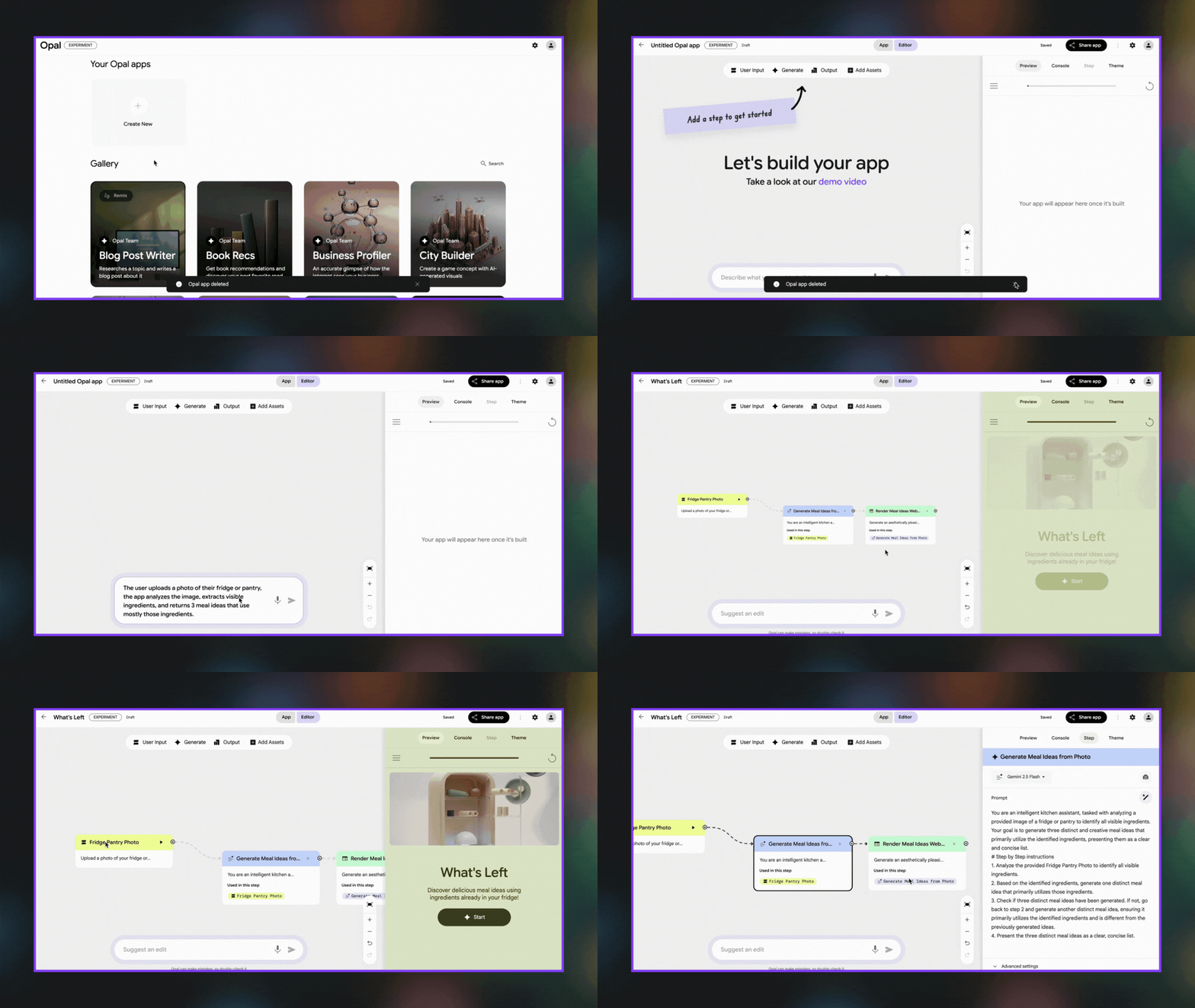
This guide shows you how to use Opal to build, edit, and share mini AI apps in minutes - no coding needed.
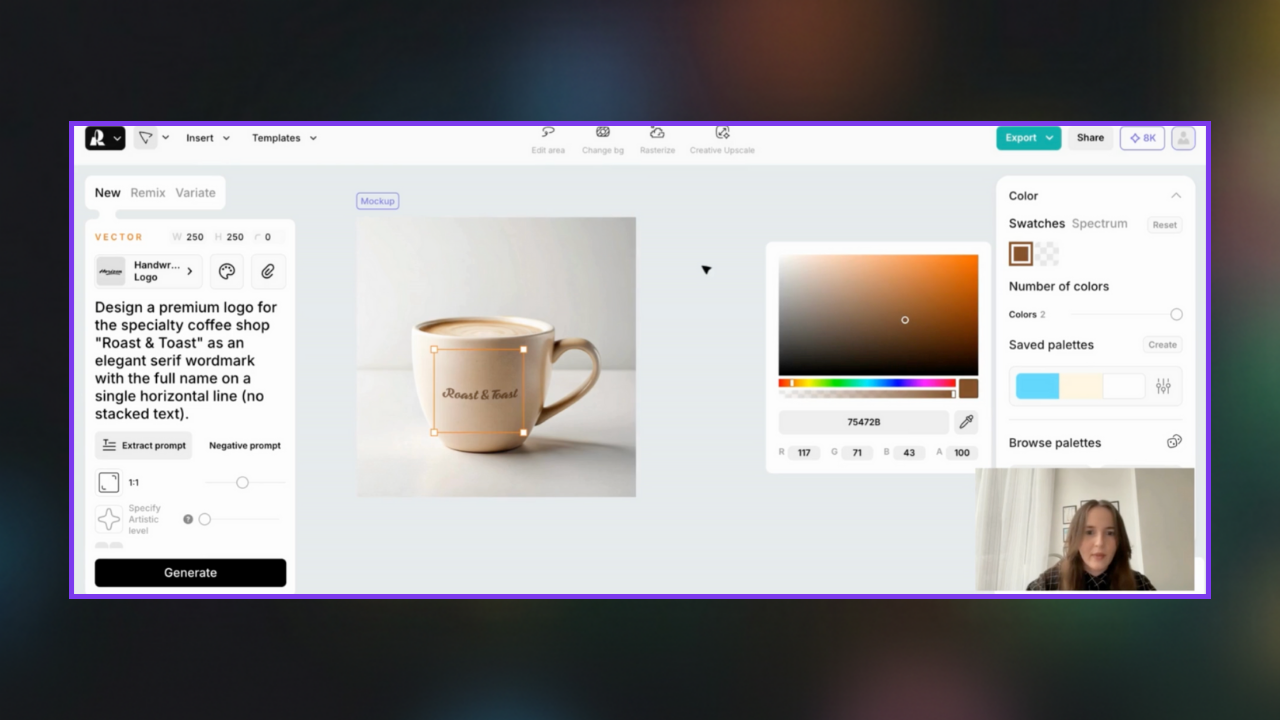
Generate logos, apply them to products, and design full brand visuals - all inside Recraft, without touching Photoshop.
This guide shows you how to create a brand voice guidelines skill in Claude so it can learn your newsletter’s style and apply it on demand.
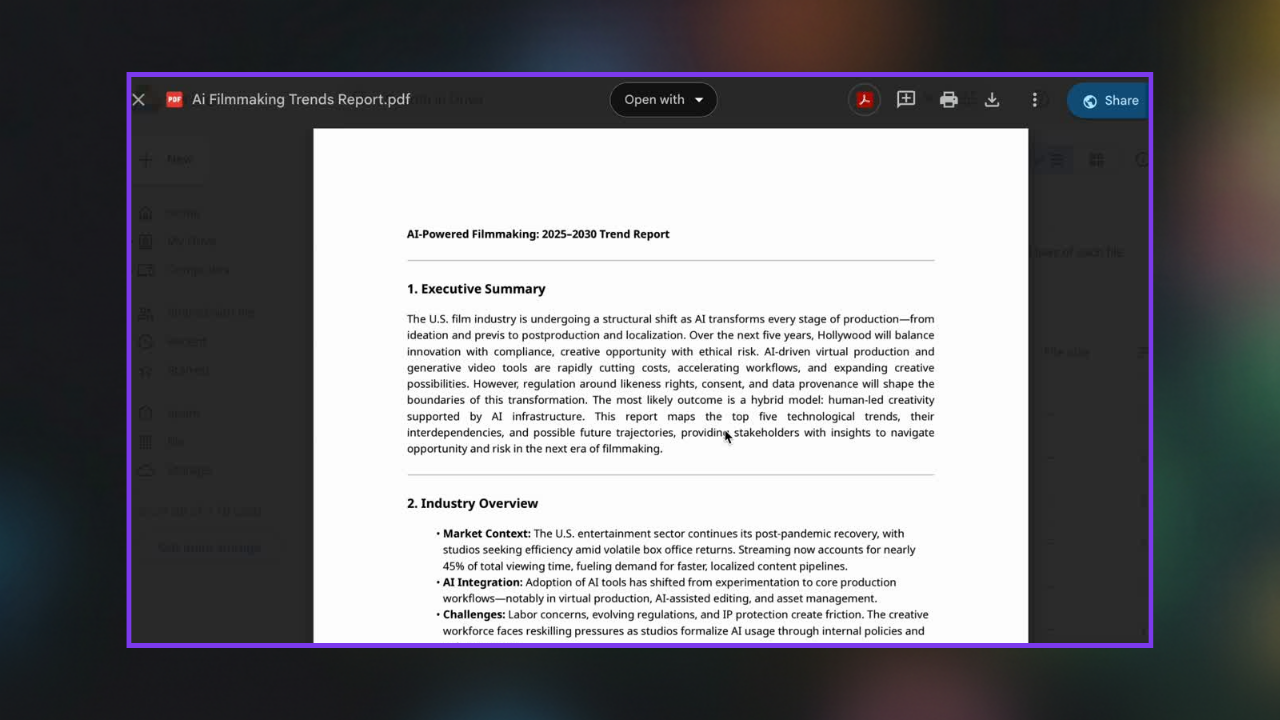
Generate data-driven trend reports that reveal where your industry is heading and what decisions matter next.
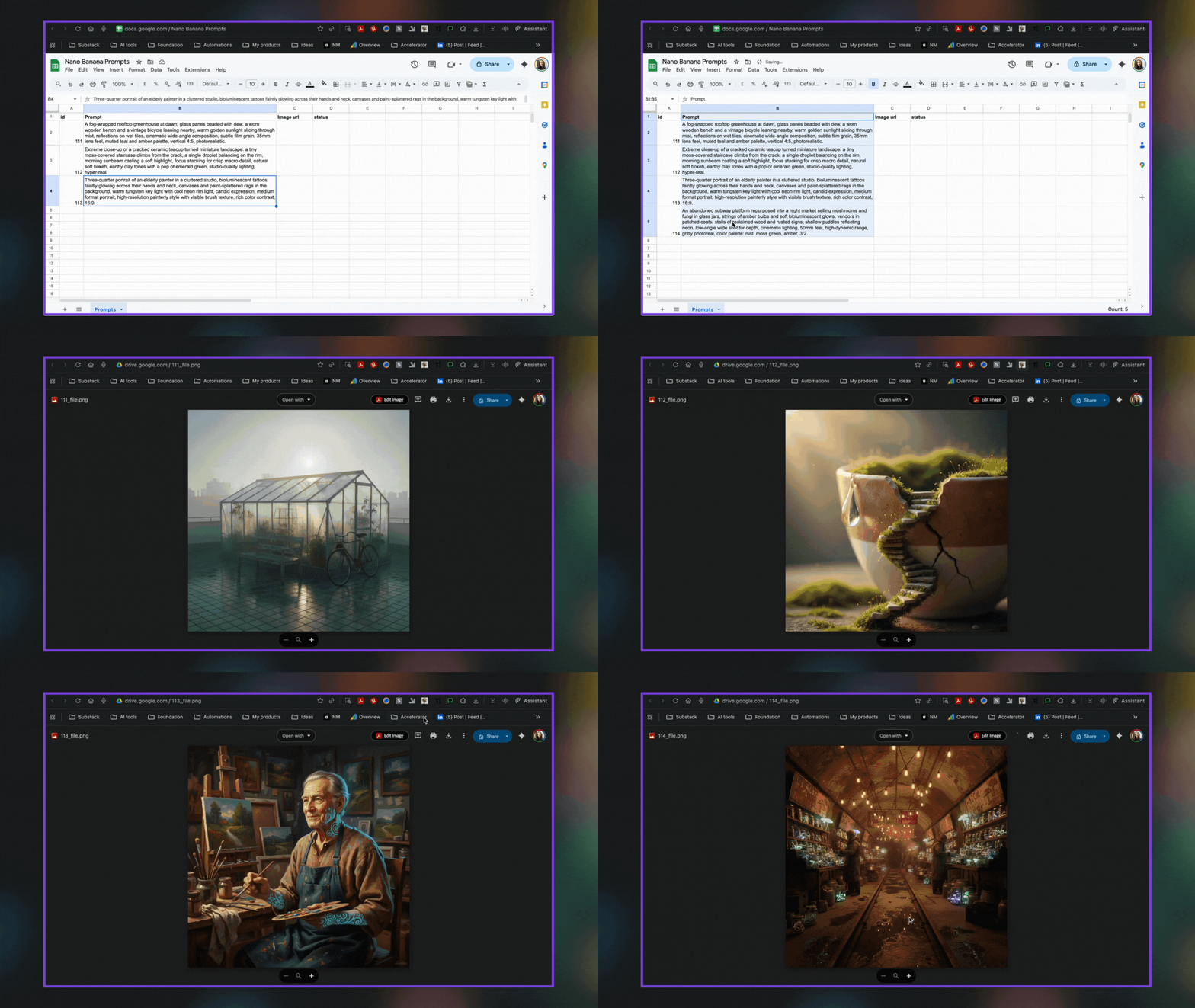
Save time by creating multiple images at once. Upload your prompts in Sheets and get images auto-generated and saved to Drive with links in your Sheet.
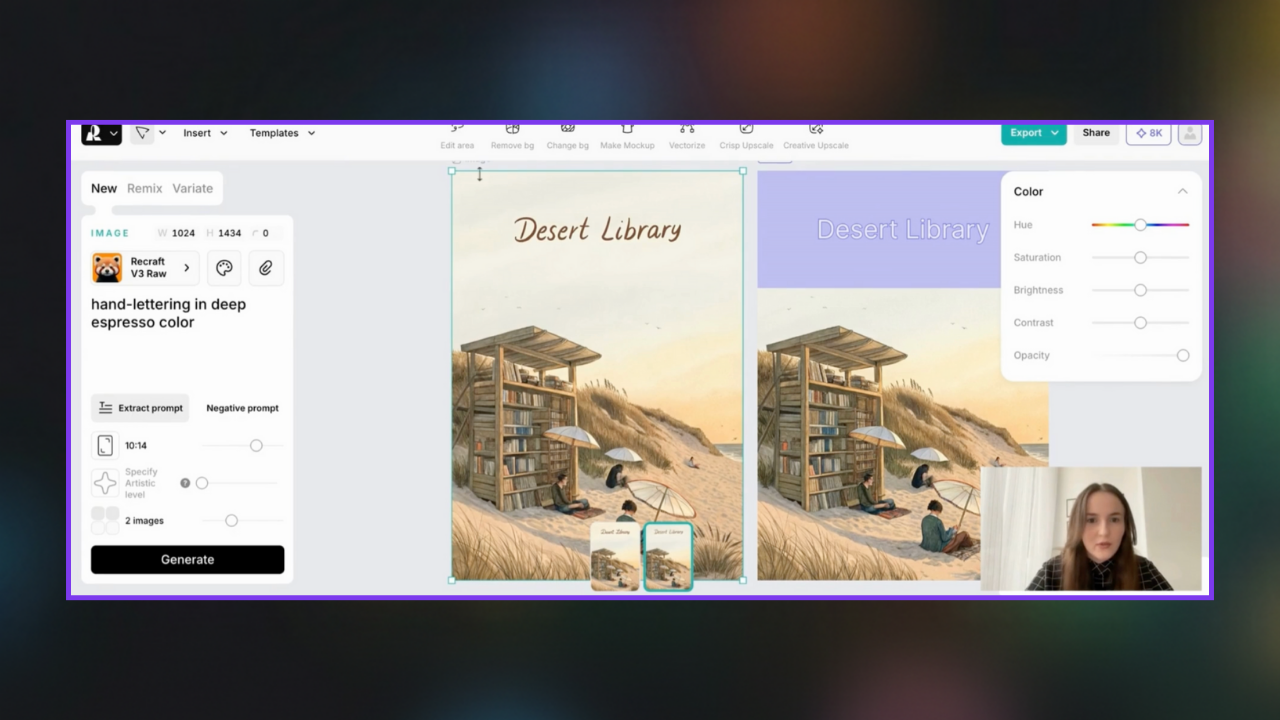
Create polished posters, thumbnails, or campaign visuals in minutes with Recraft’s generation and precision editing tools
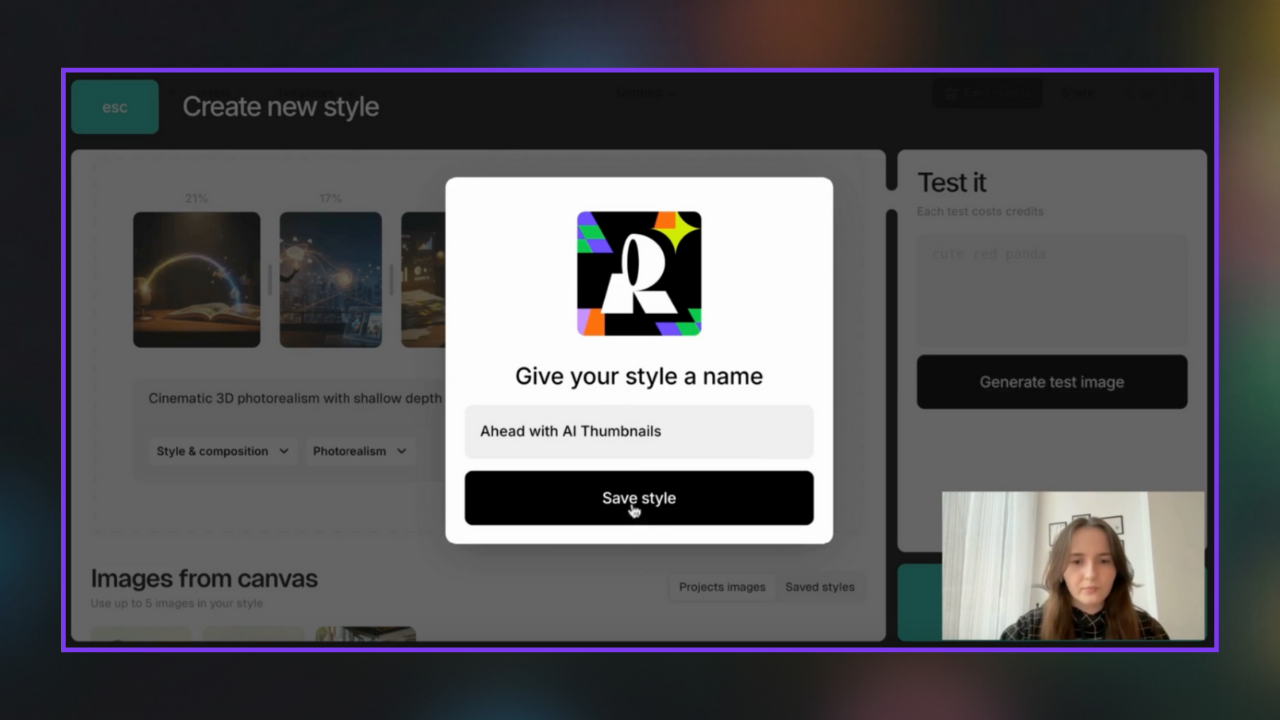
Build a consistent look for every project by uploading references and turning them into a reusable Recraft style — no more color or layout guesswork.
This guide shows you how to use Perplexity to set up automated research tasks
This guide shows you how to create an infographic based on content in a canvas with Gemini AI.
This guide shows you how to use Google’s Nano Banana (Gemini 2.5 Flash Image) to generate professional 2D and 3D ebook covers in minutes.
This guide shows you how to create videos in Google Vids, whether from scratch, slides, or a mix of your own media.
This guide shows you how to use Napkin to turn any text into visuals.
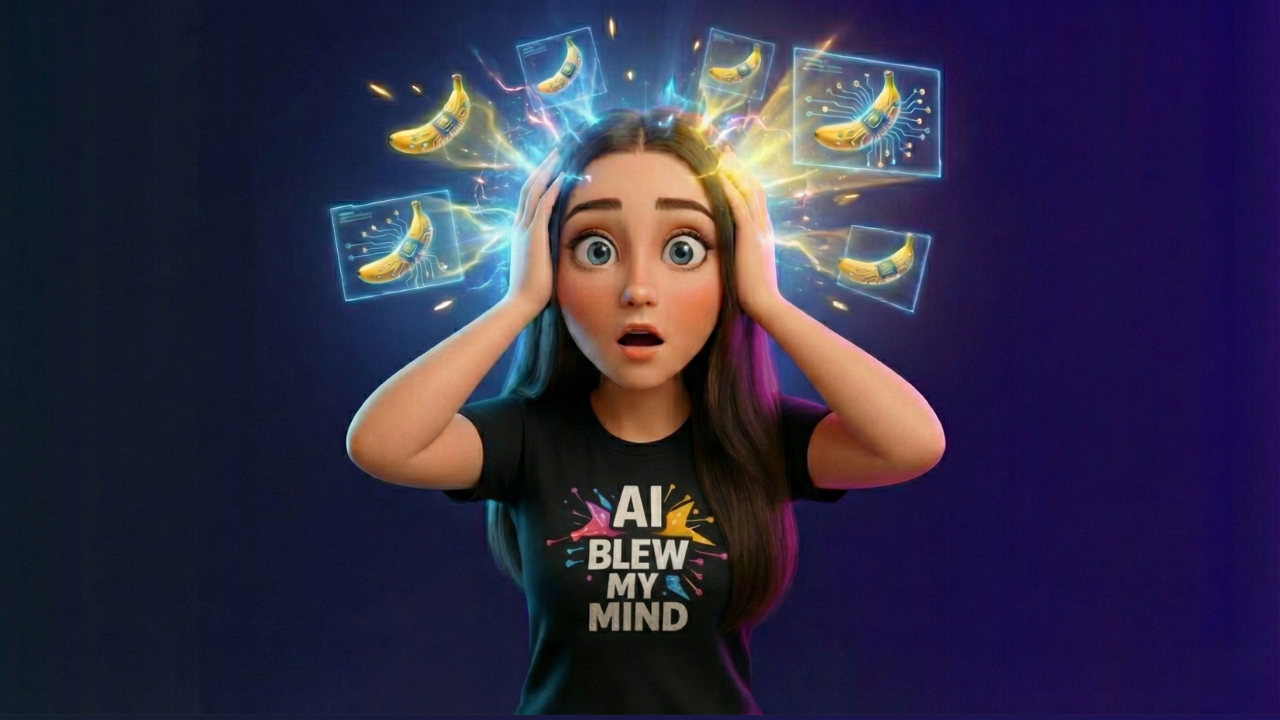
Step-by-step guide to turning any idea, article, or reference image into an infographic using Nano Banana Pro. Includes prompts and real examples.