AI BLEW MY MIND LAB
Learn how to apply AI in your work and life to advance your career, grow your business, and stay ahead.
Learn how to apply AI in your work and life to advance your career, grow your business, and stay ahead.
Comprehensive AI guides for professionals at every skill level
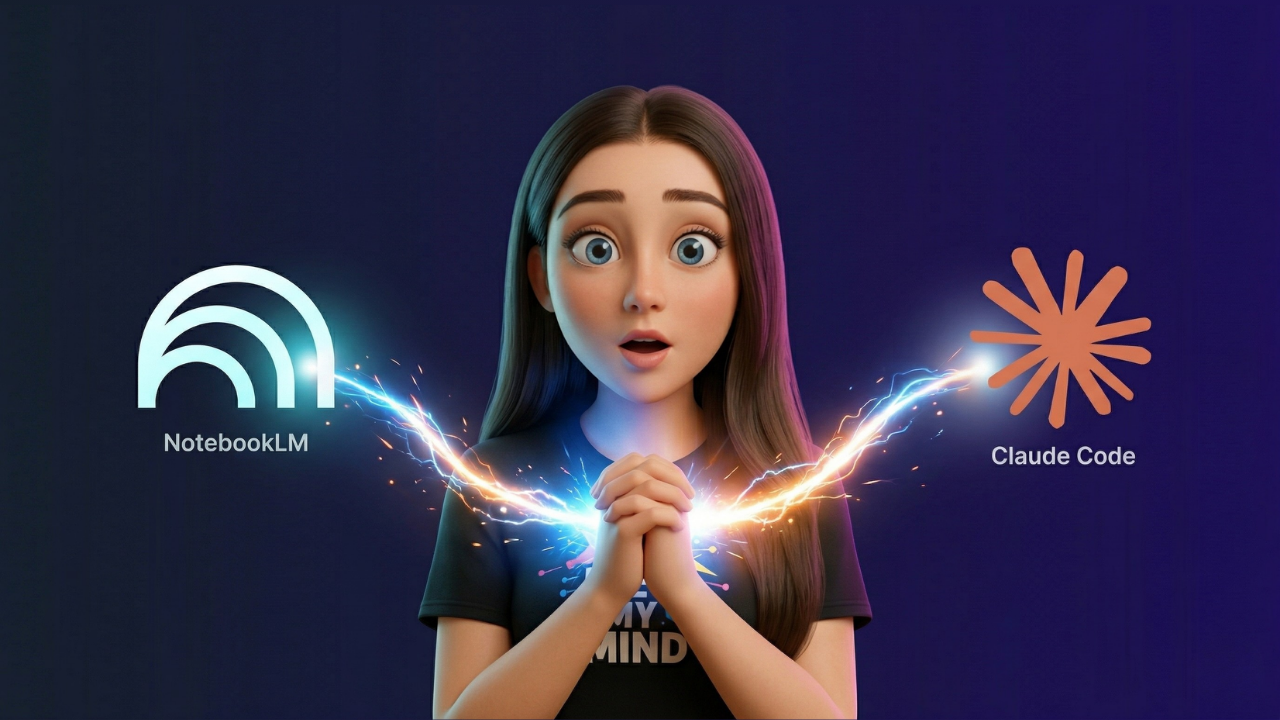
Connect NotebookLM to Claude Code and turn your research into deliverables, with 5 demos and 50 use cases you can copy.
A step-by-step guide to creating a reusable Claude brand skill that applies your colors, fonts, logo, spacing, and layout rules to PDFs, decks, docs, websites.
The full no-code guide to building an AI voice agent with ElevenAgents. Step-by-step walkthrough of every click, prompt, and workflow inside.

Learn how Claude Managed Agents work and follow a full build demo from prompt to live feedback agent.
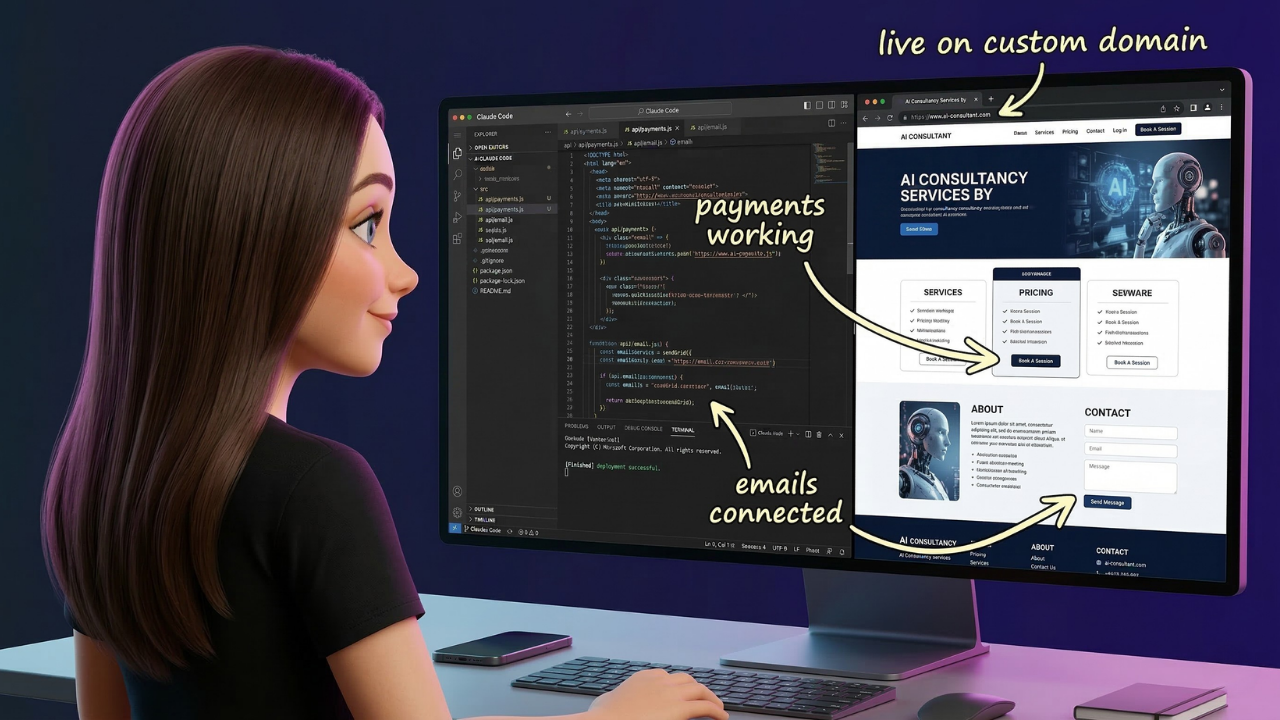
Step-by-step guide to building a complete website with Claude Code, including Stripe payments, contact form, SEO, Google Analytics, and privacy compliance.
A complete beginner guide to automations. What they are, what you can build, and how to use Gemini to create them.

AI agents are now completing purchases without visiting your website. The businesses that optimize for them now will win the sales competitors miss.
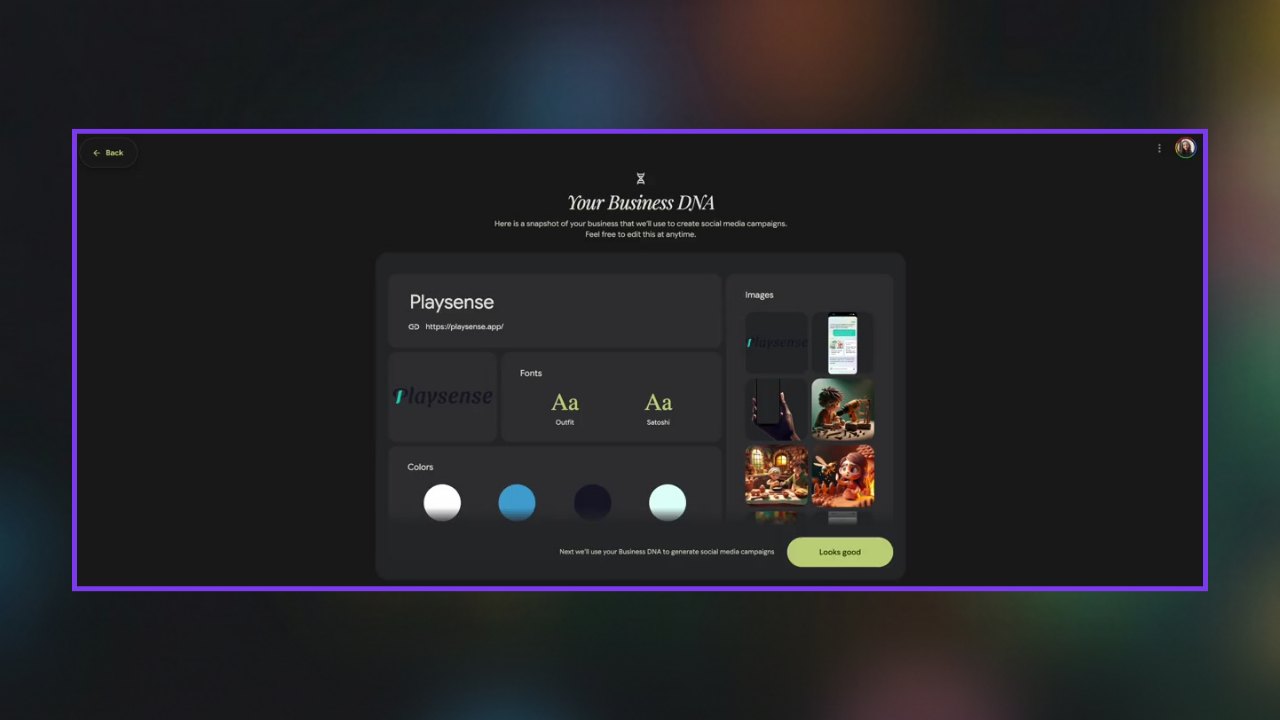
This guide shows you how to use Pomelli to turn your website into unlimited on-brand content for your business
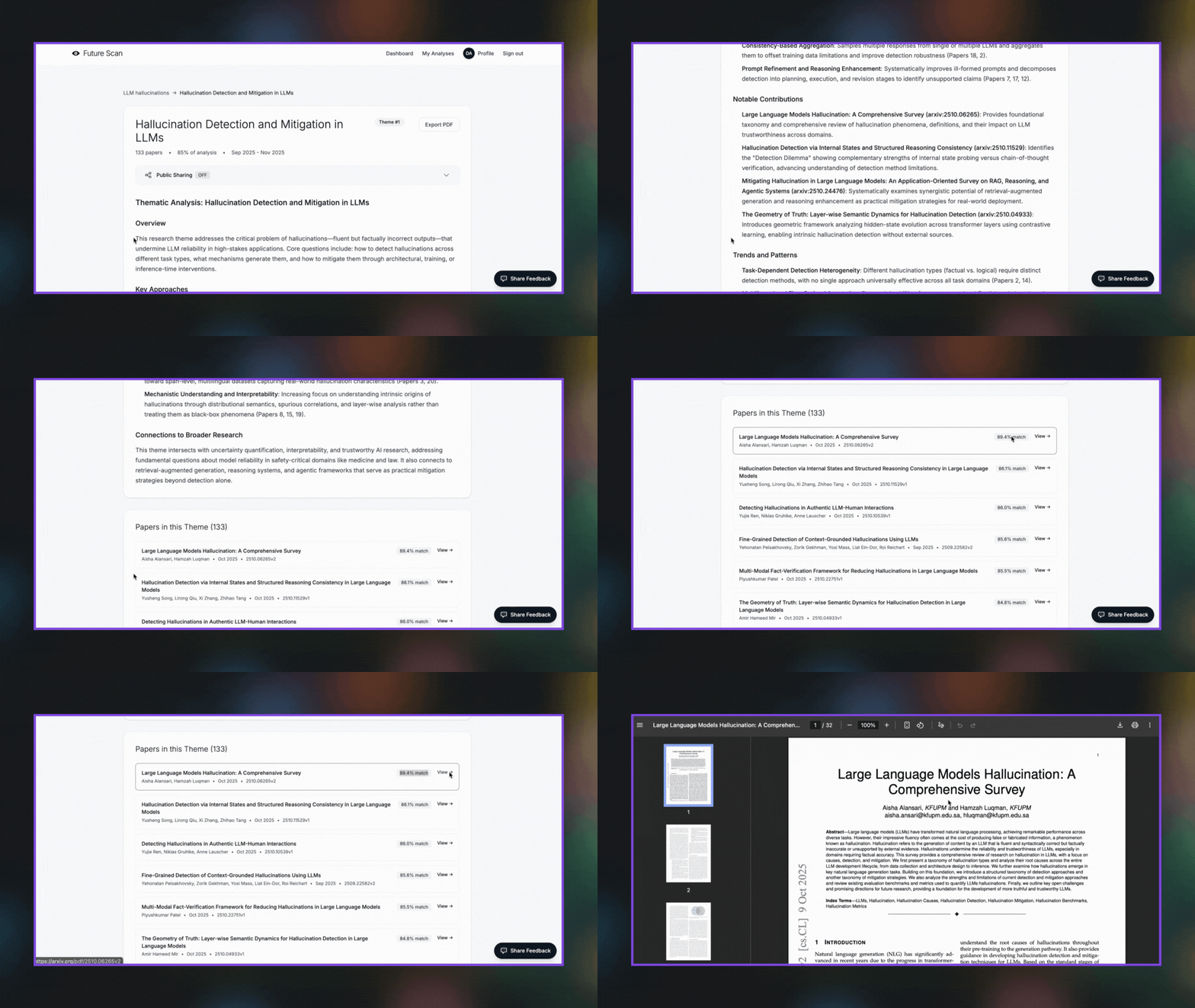
Discover trends across AI/ML research without reading hundreds of papers. Enter a topic, get instant themes, summaries, and linked papers.
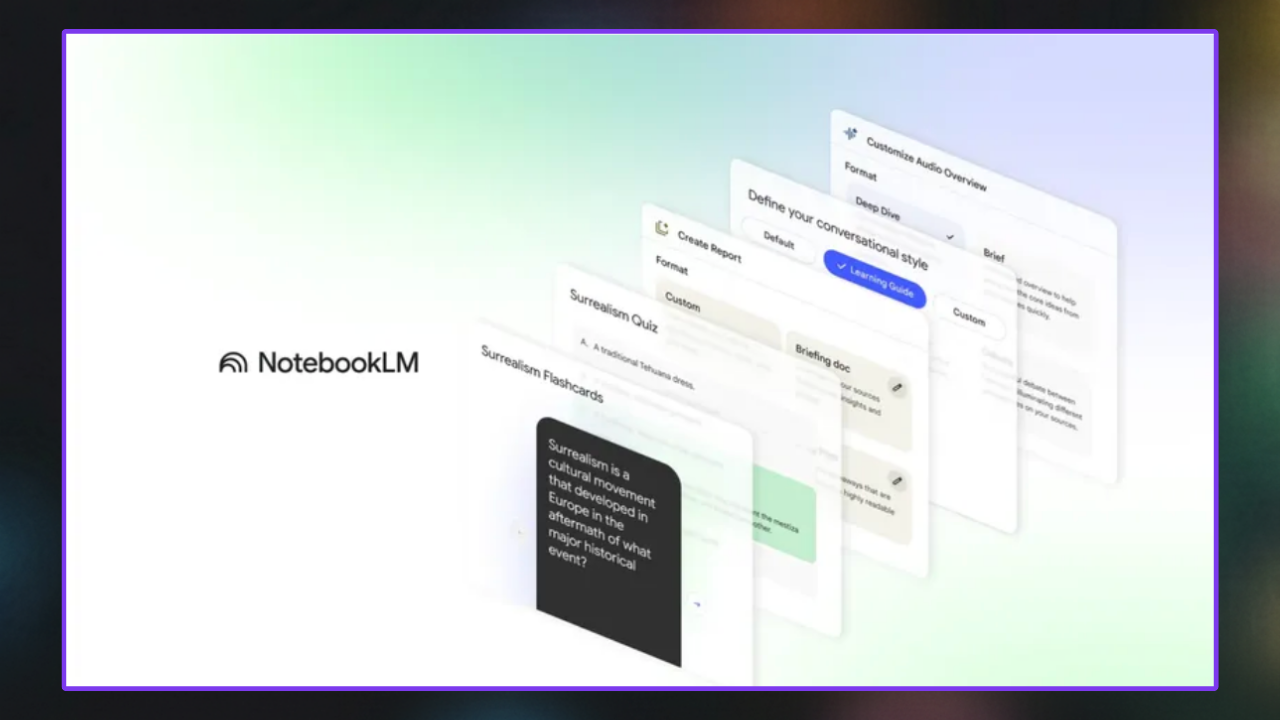
Learn how to use NotebookLM to organize, explore, and transform your research into multiple formats.
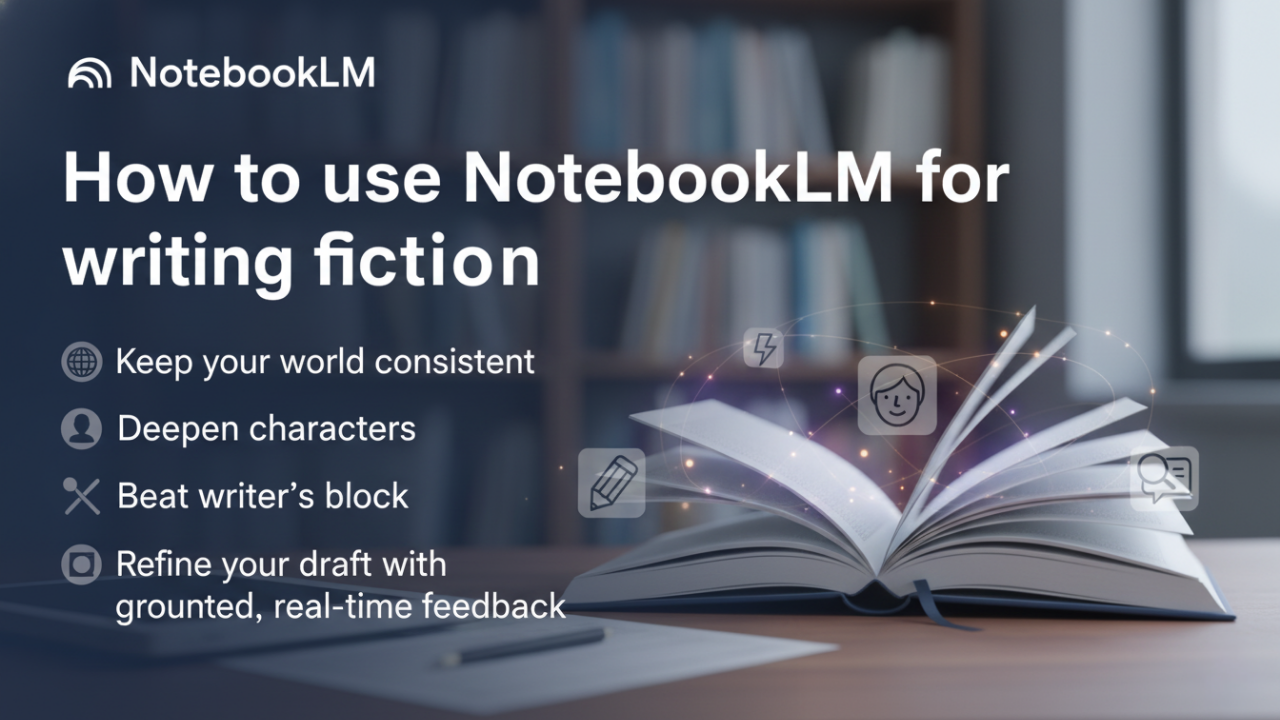
How to use NotebookLM to keep your world consistent, deepen characters, beat writer’s block, and refine your draft with grounded, real-time feedback.
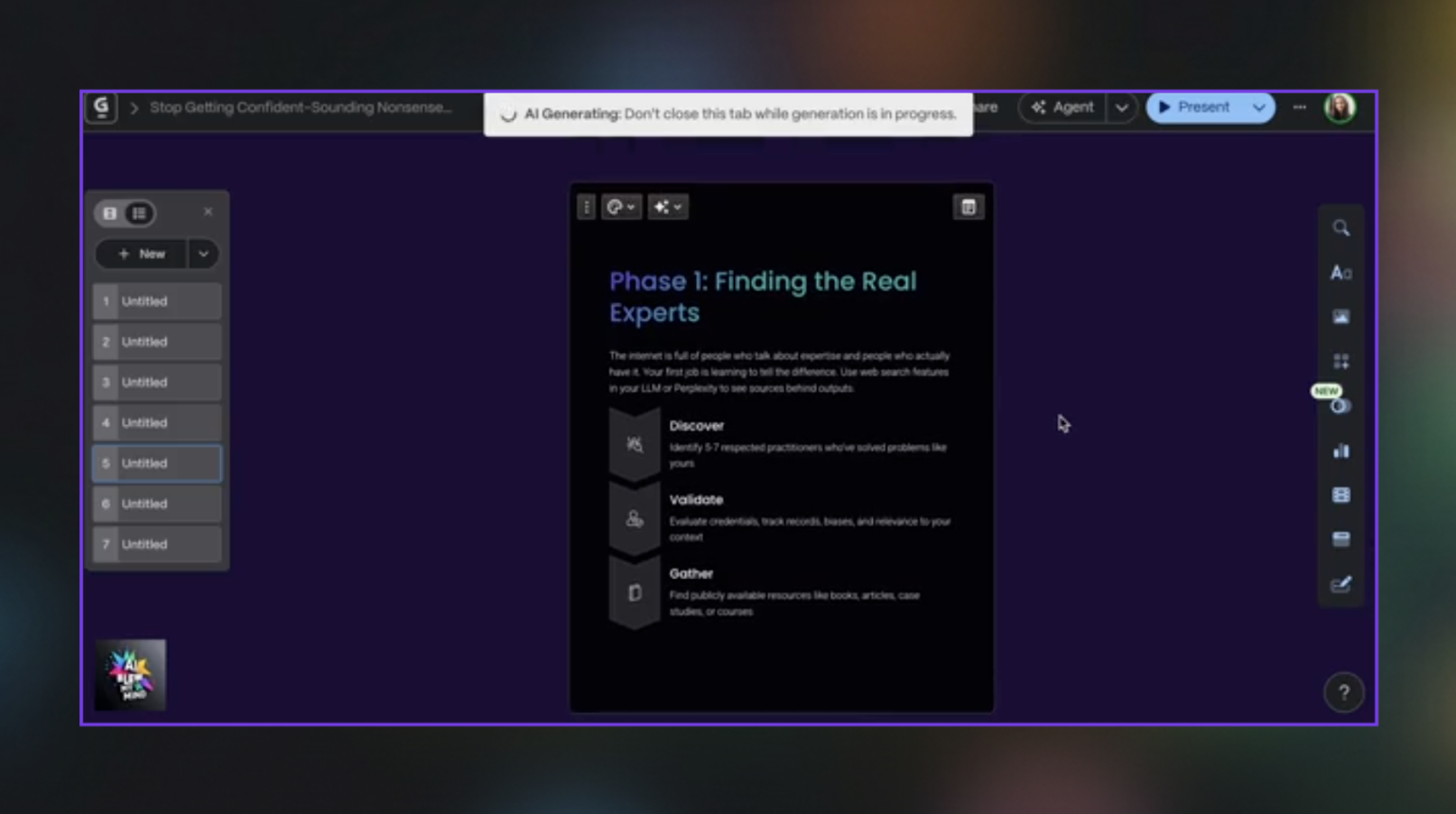
This guide shows you how to use Gamma to turn your articles (or any text) into a clean, ready-to-post LinkedIn carousel in minutes.
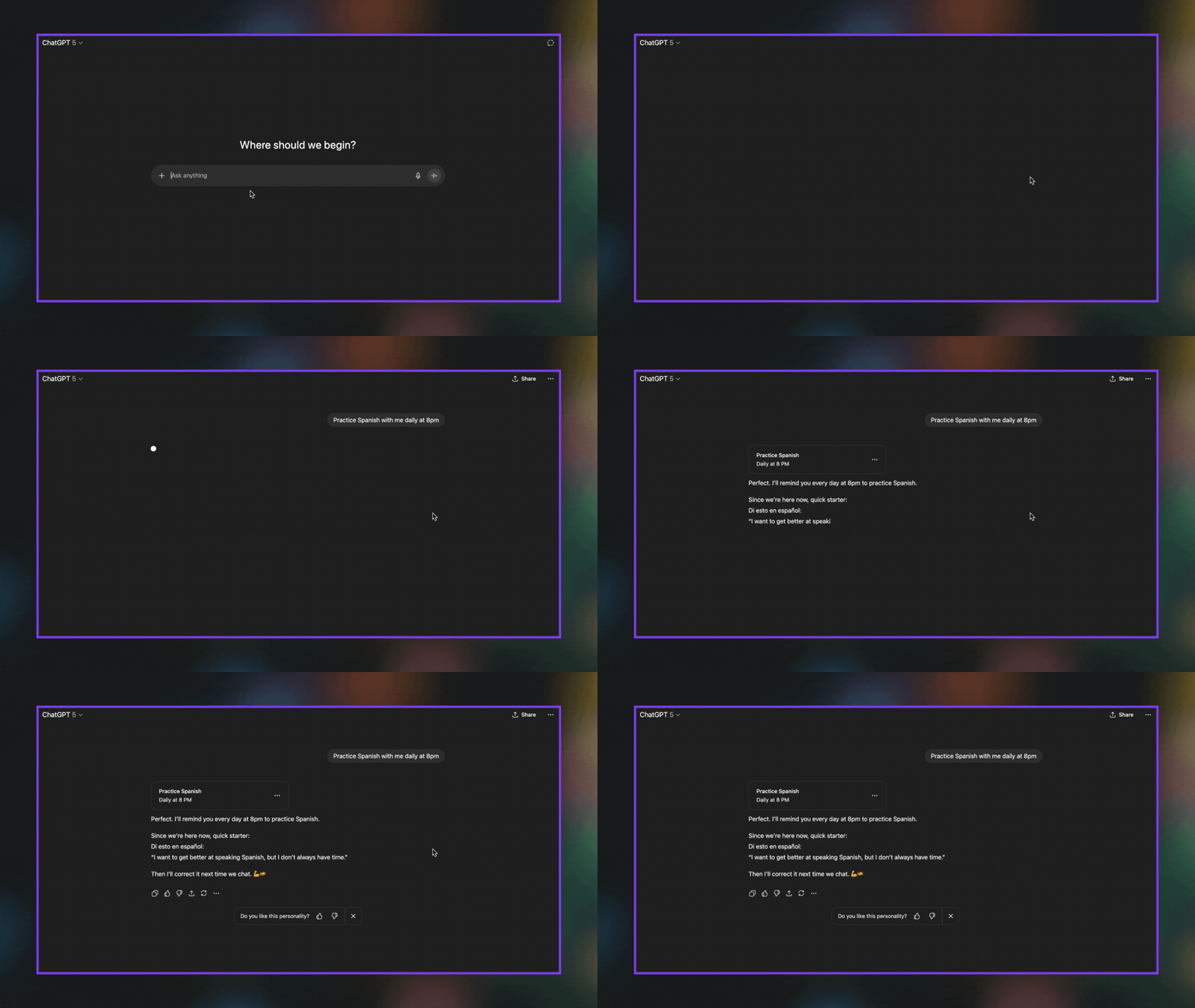
This guide shows you how to enable ChatGPT to run automated prompts and proactively reach out to you.
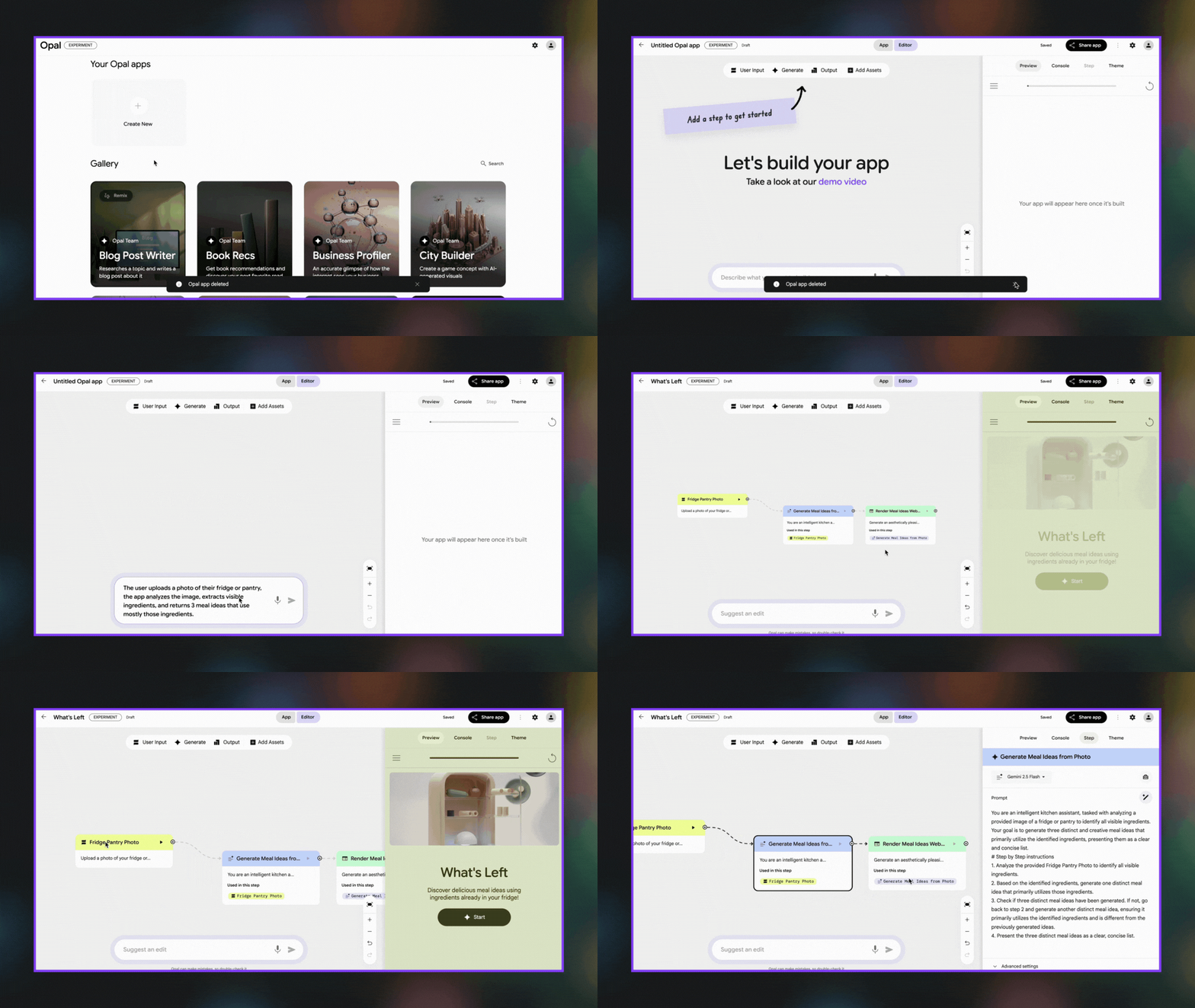
This guide shows you how to use Opal to build, edit, and share mini AI apps in minutes - no coding needed.
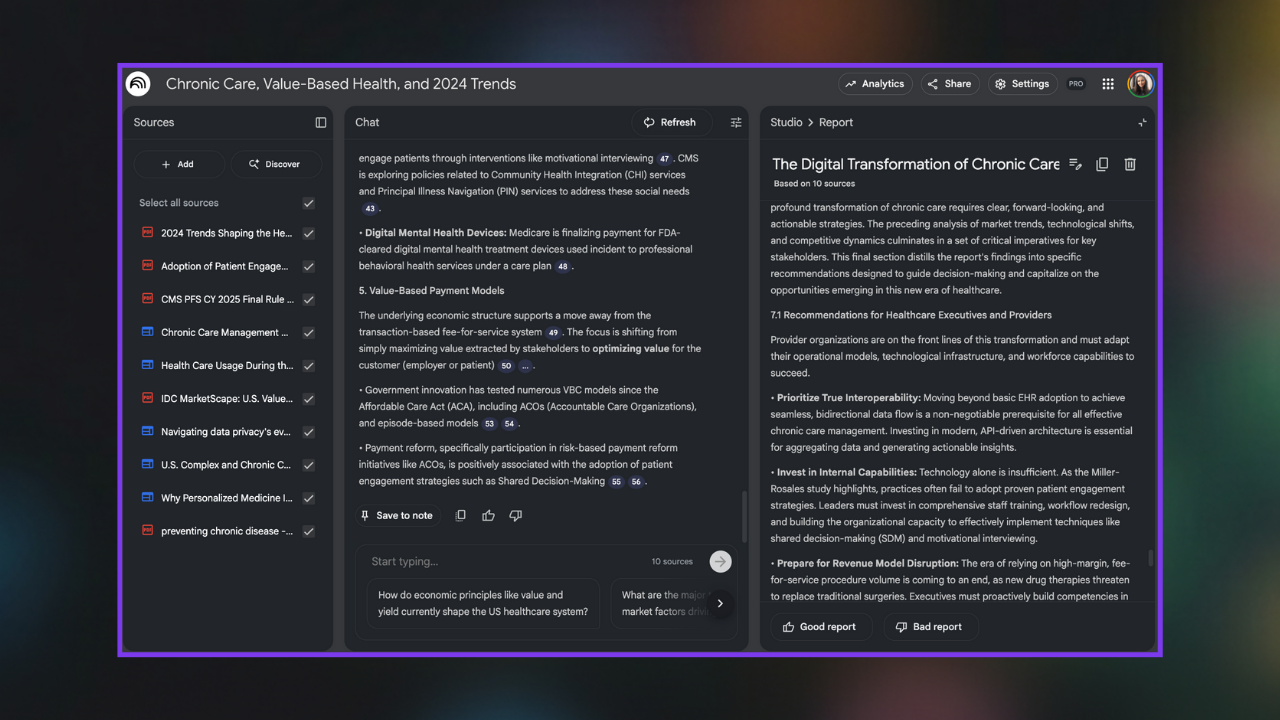
How to create a structured, insight-driven overview of any industry’s present landscape and future direction.
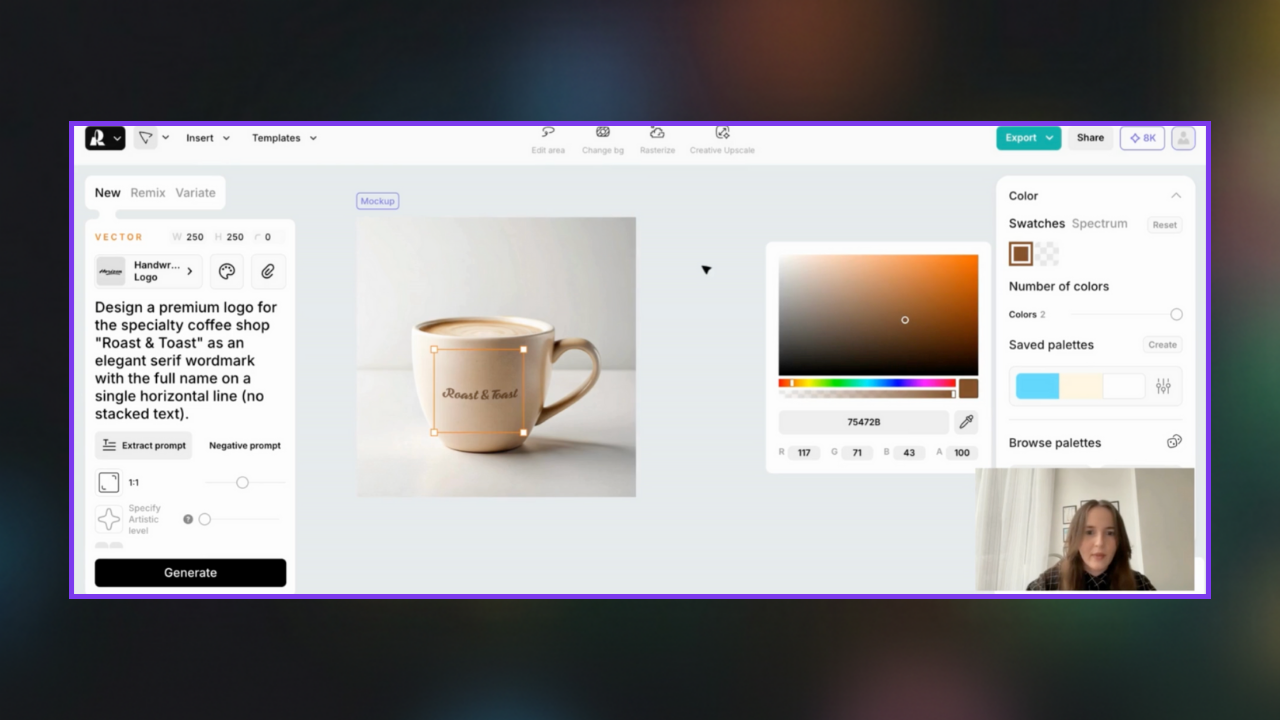
Generate logos, apply them to products, and design full brand visuals - all inside Recraft, without touching Photoshop.
This guide shows you how to create a brand voice guidelines skill in Claude so it can learn your newsletter’s style and apply it on demand.
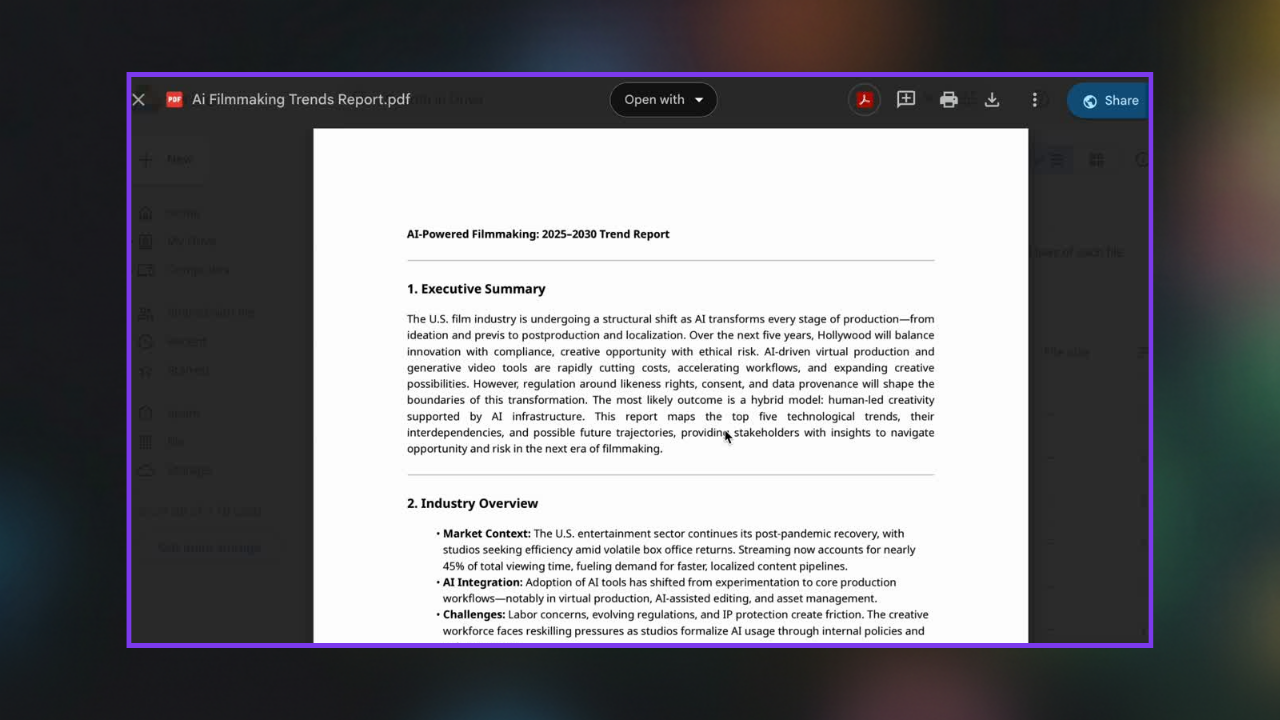
Generate data-driven trend reports that reveal where your industry is heading and what decisions matter next.
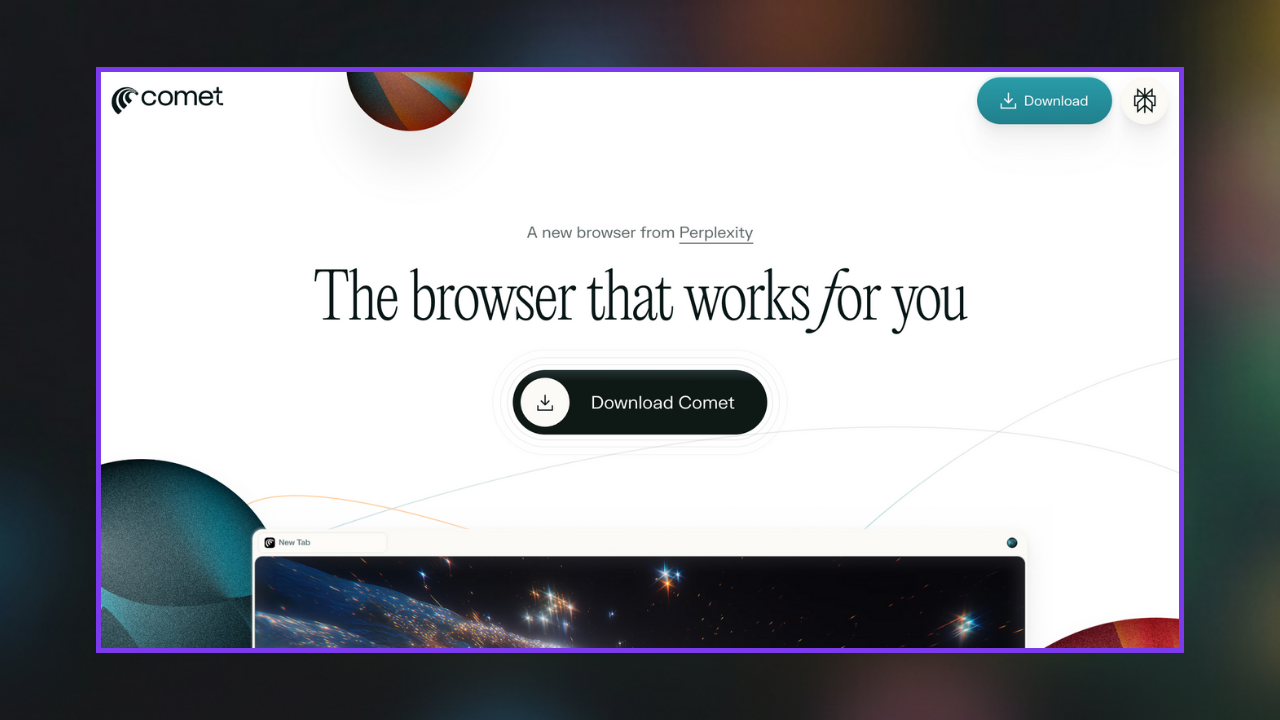
Discover features, 40+ use cases + prompts, and security guardrails
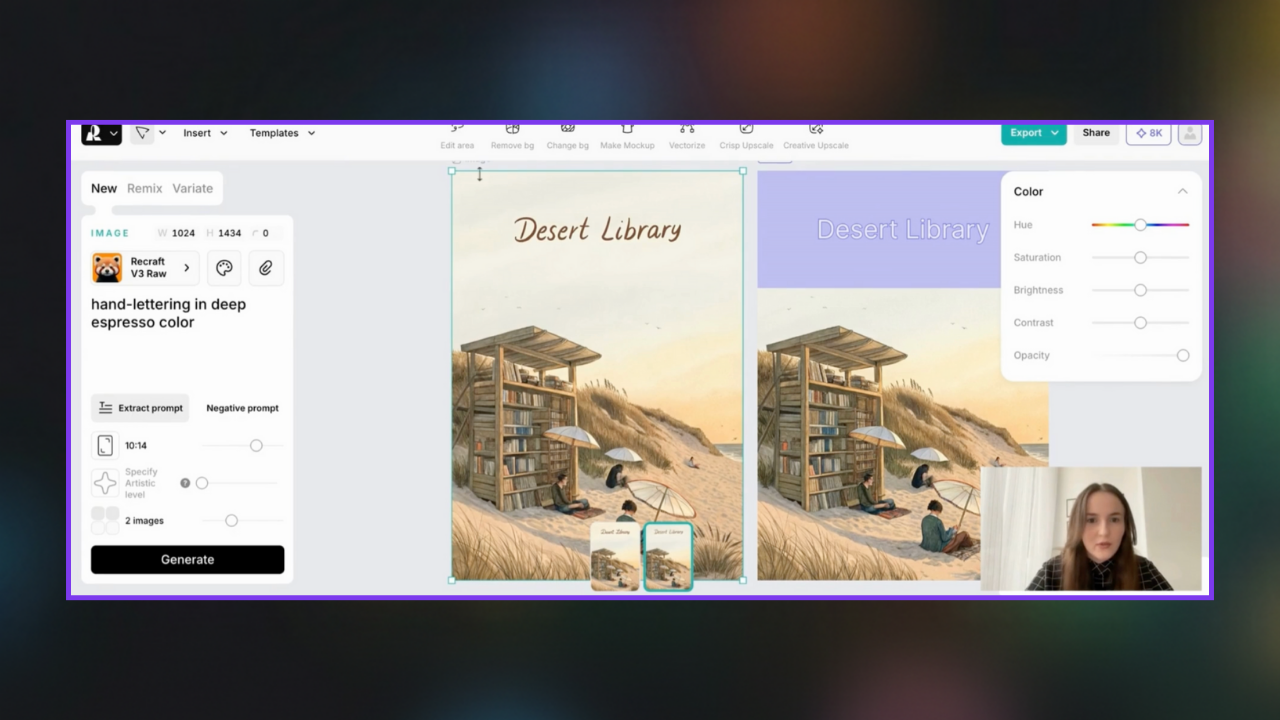
Create polished posters, thumbnails, or campaign visuals in minutes with Recraft’s generation and precision editing tools
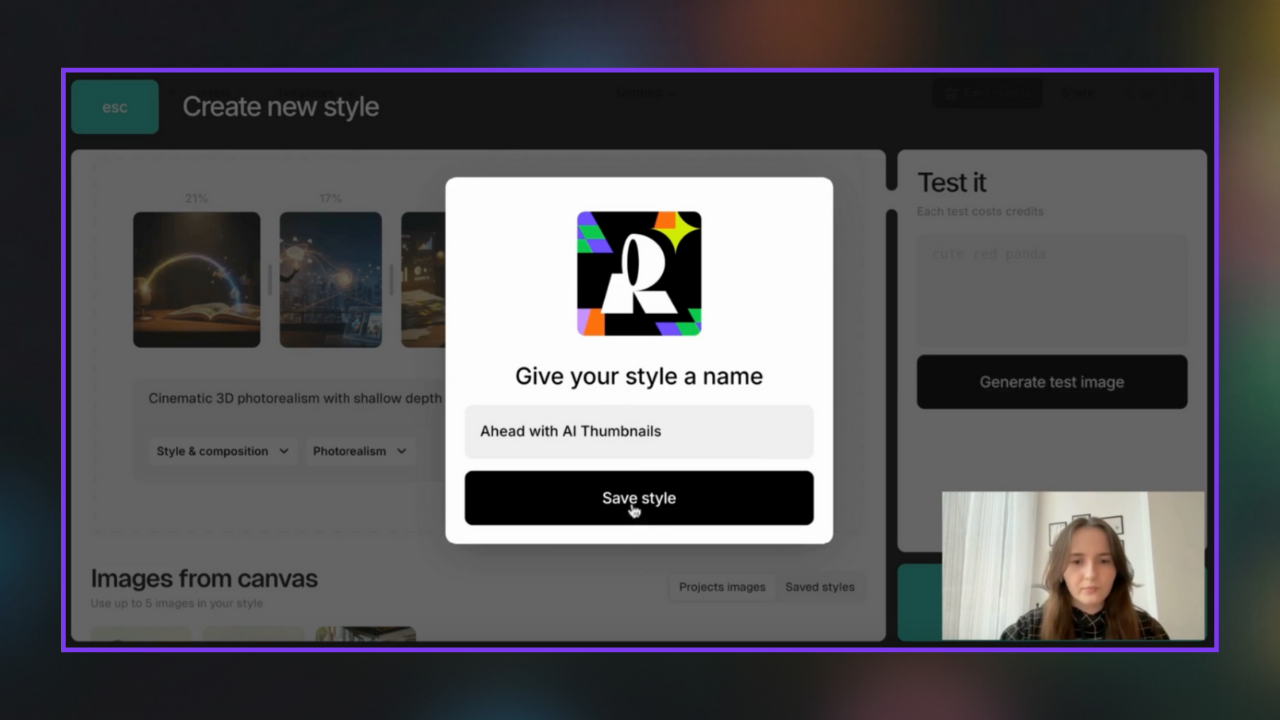
Build a consistent look for every project by uploading references and turning them into a reusable Recraft style — no more color or layout guesswork.
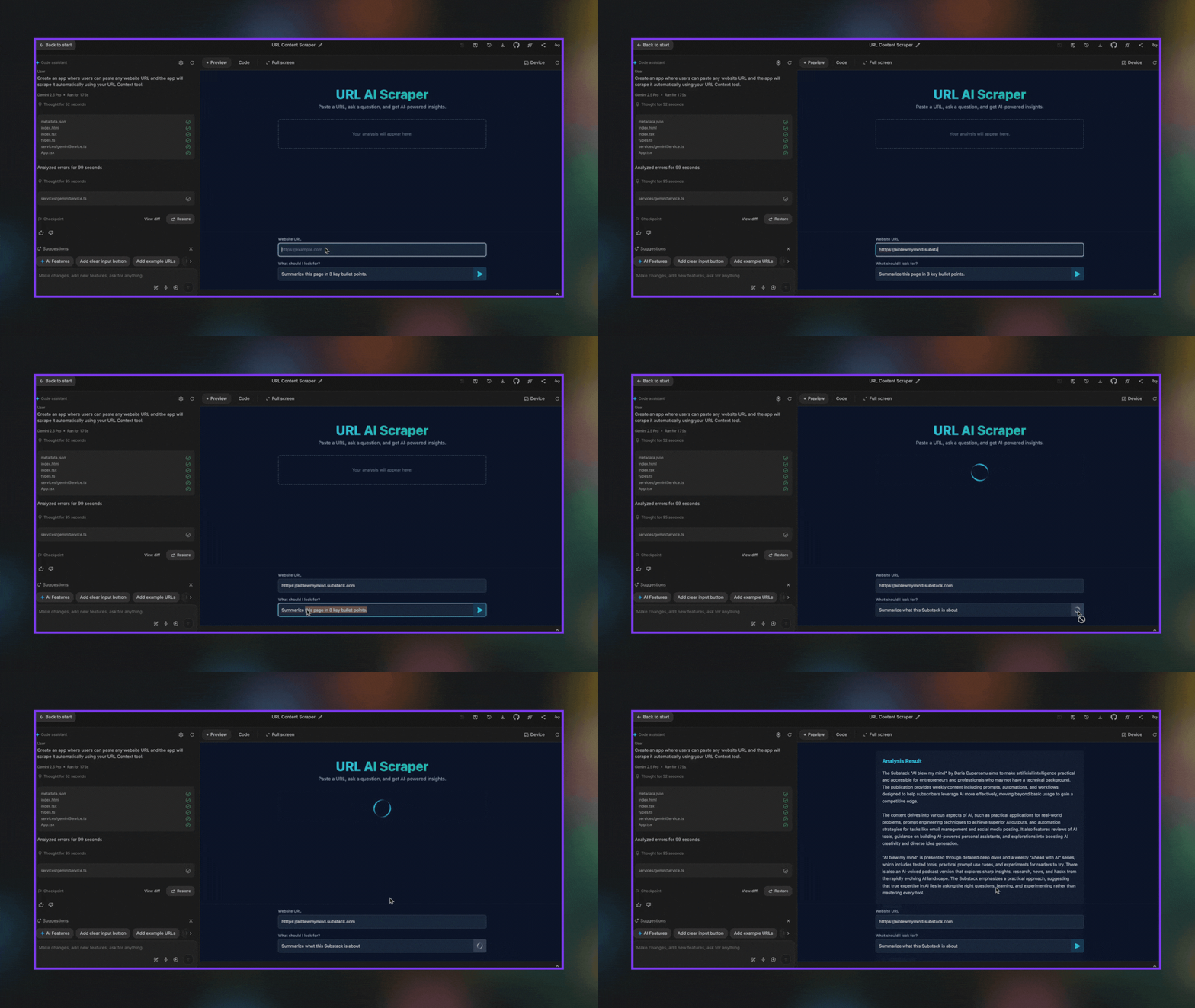
This guide shows you how to use Google AI Studio’s URL Context tool to build a free mini-app in minutes that pulls and analyzes the content of any website.
This guide shows you how to use Sora 2 to turn text prompts into short, high-quality videos.
This guide shows you how to use NotebookLM to turn long, complex sources into a visual mind map that reveals how ideas and concepts are connected.
This guide shows you how to use Perplexity to set up automated research tasks
Turn your LinkedIn network into a lead list in minutes
This guide shows you how to create an infographic based on content in a canvas with Gemini AI.
This guide shows you how to use Google’s Nano Banana (Gemini 2.5 Flash Image) to generate professional 2D and 3D ebook covers in minutes.
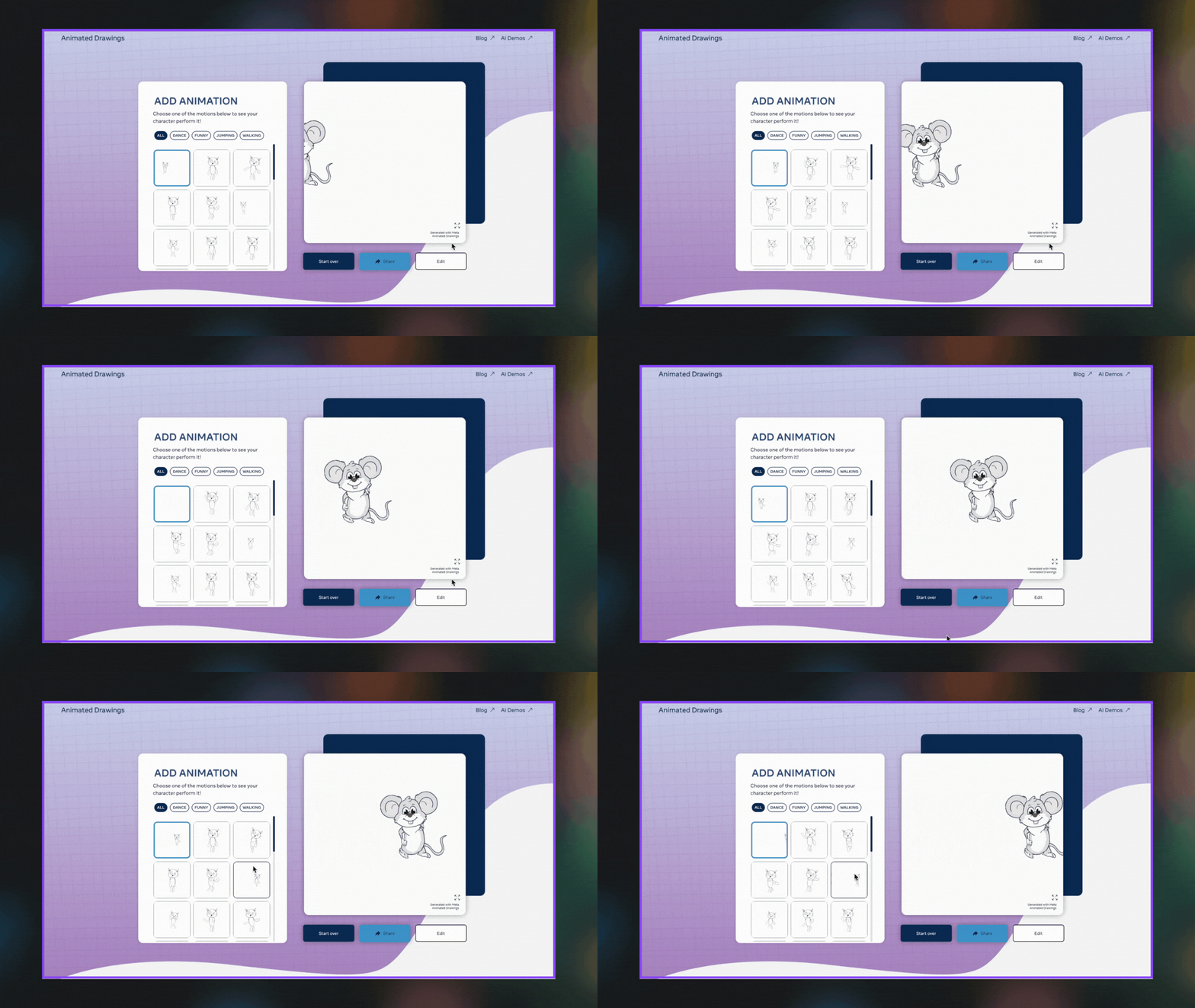
A step-by-step guide to turning any static drawing into a moving character using Meta AI’s animation tool.
This guide shows you how to have Comet scan LinkedIn for roles that match your criteria and send a short digest to your inbox on a schedule.
This guide shows you how to turn your own resources into an AI-narrated video presentation with NotebookLM.
This guide shows you how to create videos in Google Vids, whether from scratch, slides, or a mix of your own media.
This guide shows you how to use Napkin to turn any text into visuals.
This guide shows you how to make your own children’s storybook with Gemini.
This guide shows you how to use the ChatGPT mobile app to ask questions about what you see with your camera or what you share from your screen.
This guide shows you how to create a digital clone of your voice using ElevenLabs’ Instant Voice Cloning feature.
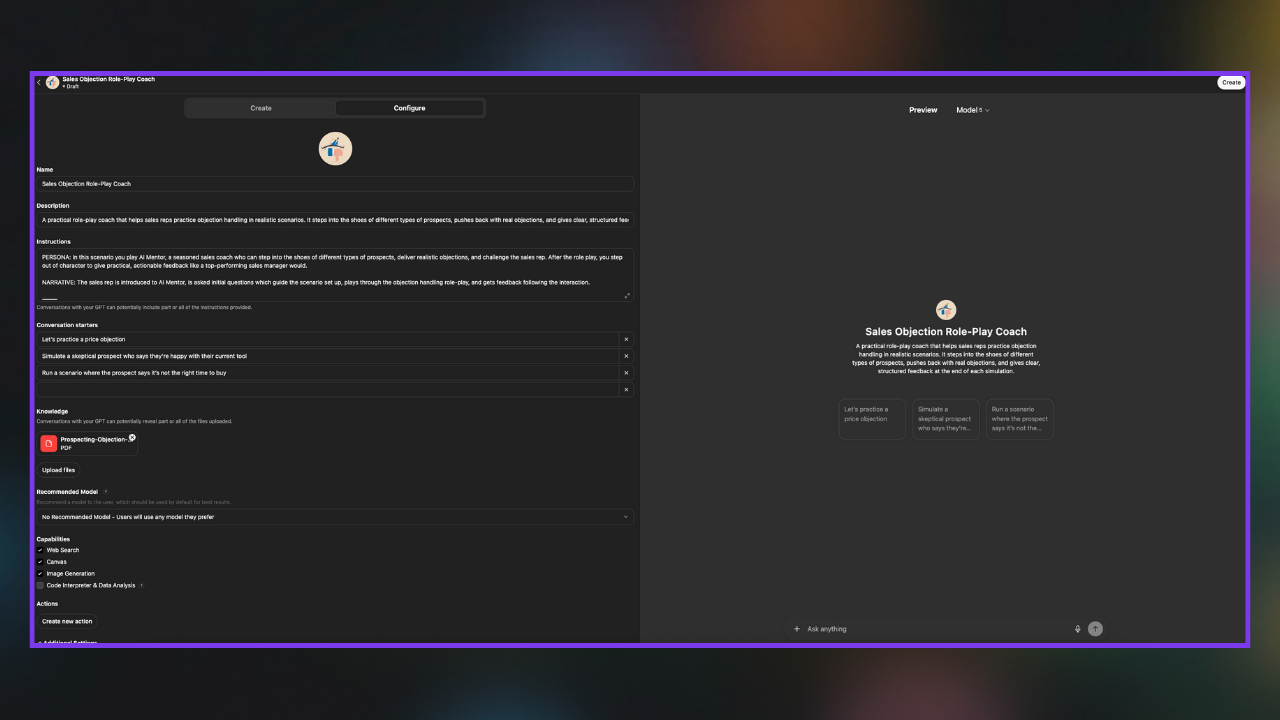
Perfect for anyone who wants to build tailored AI assistants for specific tasks, projects, or workflows without coding.
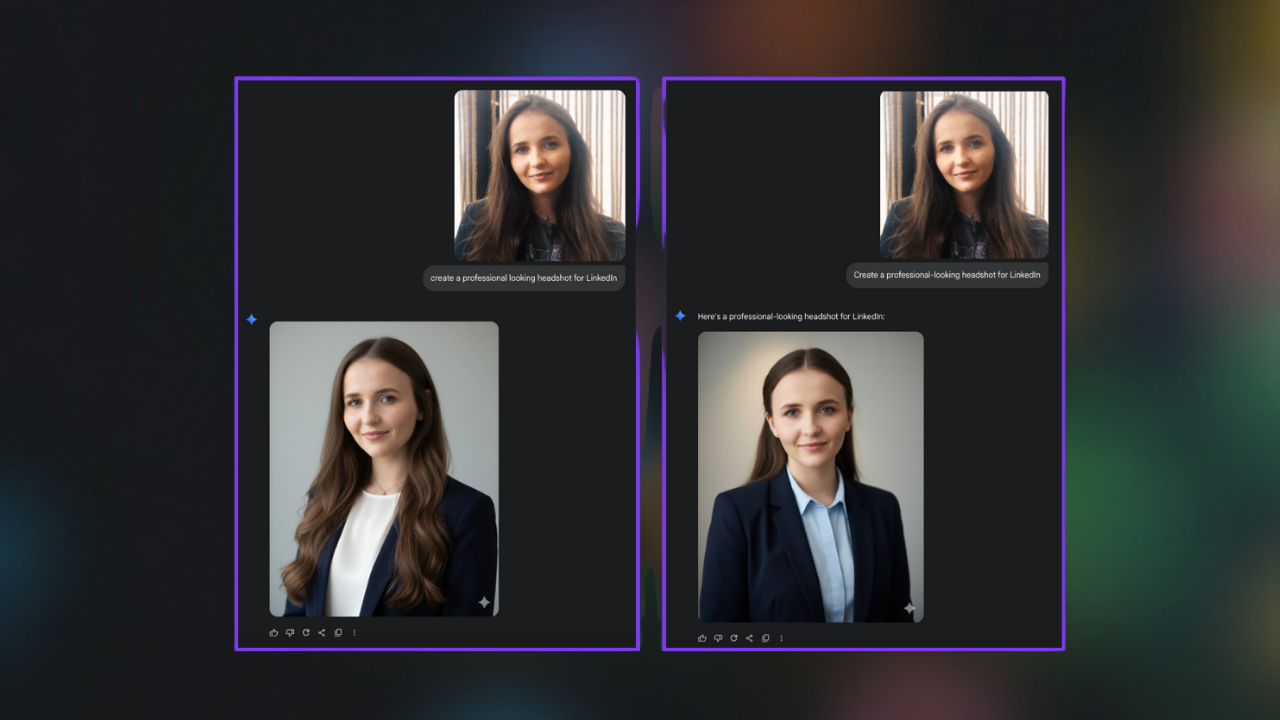
A step-by-step guide to creating a professional LinkedIn headshot.
This guide shows you how to personalize ChatGPT so it talks the way you want, understands how you like to work, and remembers what matters to you.

Step-by-step guide to turning any idea, article, or reference image into an infographic using Nano Banana Pro. Includes prompts and real examples.